Photo book with videos
A photo book with videos that play on the page
In a Leafthrough book, a video sits on the page like a photo and starts playing when the page opens. The book turns its pages in any browser, you send it as one link, and its printed copy can lead back to the videos with a QR code.
Free to make. No account needed to start.
Three ways to make a photo book with videos
- A printed book with QR codes. Each code links to a clip online. The video plays on the phone that scanned it, away from the page it belongs to.
- A book with a built-in screen. A small screen in the cover plays the clips, and its battery needs charging.
- A digital photo book. The pages turn on screen and each video plays in its place on the page, next to the photos from the same day. This is what Leafthrough makes, and its printed booklet can still lead back to the videos with QR codes.
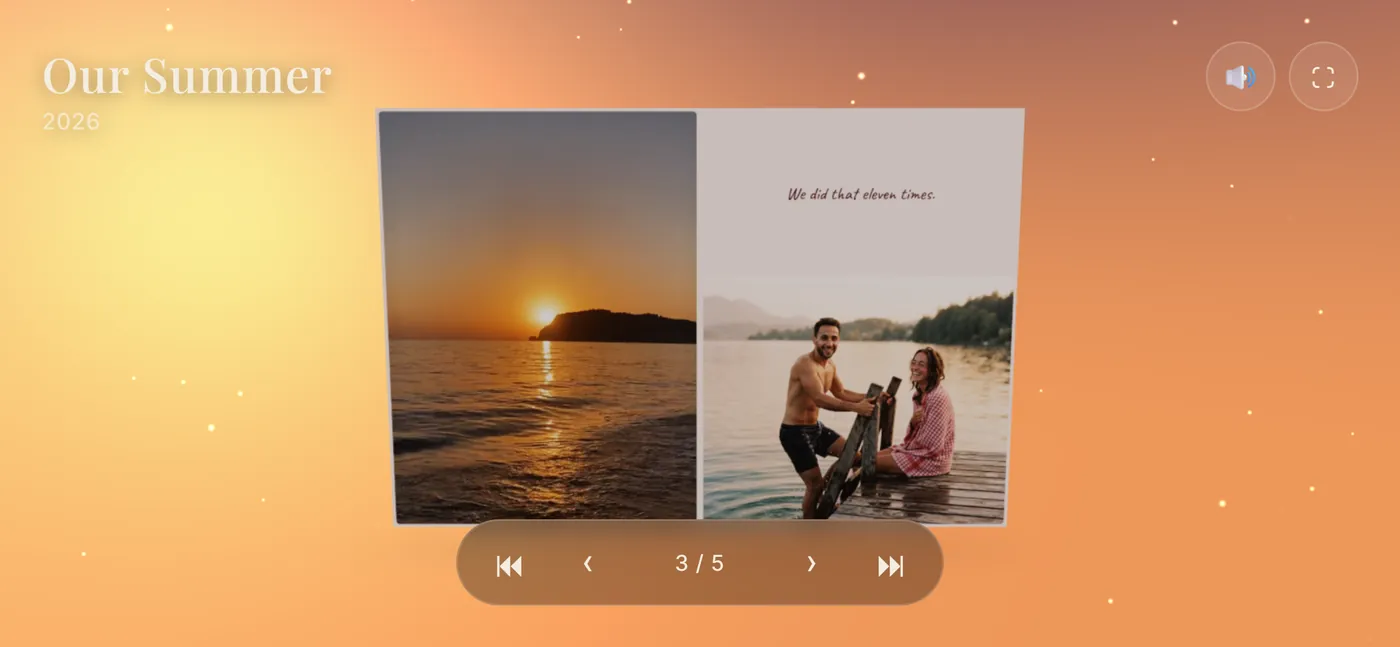
How videos work in a Leafthrough book
- Anywhere a photo goes. Every slot on a page that takes a photo takes a video too.
- They play by themselves. When a page opens, its videos start playing quietly, on a loop. Nobody has to press play.
- You choose the sound. Each video keeps its sound, and you decide for each one whether it plays with it. Sound is off until you turn it on, and anyone reading the book can mute it all with the sound button.
- Large files are fine. Each video can be up to 500 MB. Leafthrough converts it before it is stored, so it plays in every current browser, in up to 1080p for short clips.
- Nothing to install. The person you send it to opens the link in a browser, on a phone or a computer, without an account.
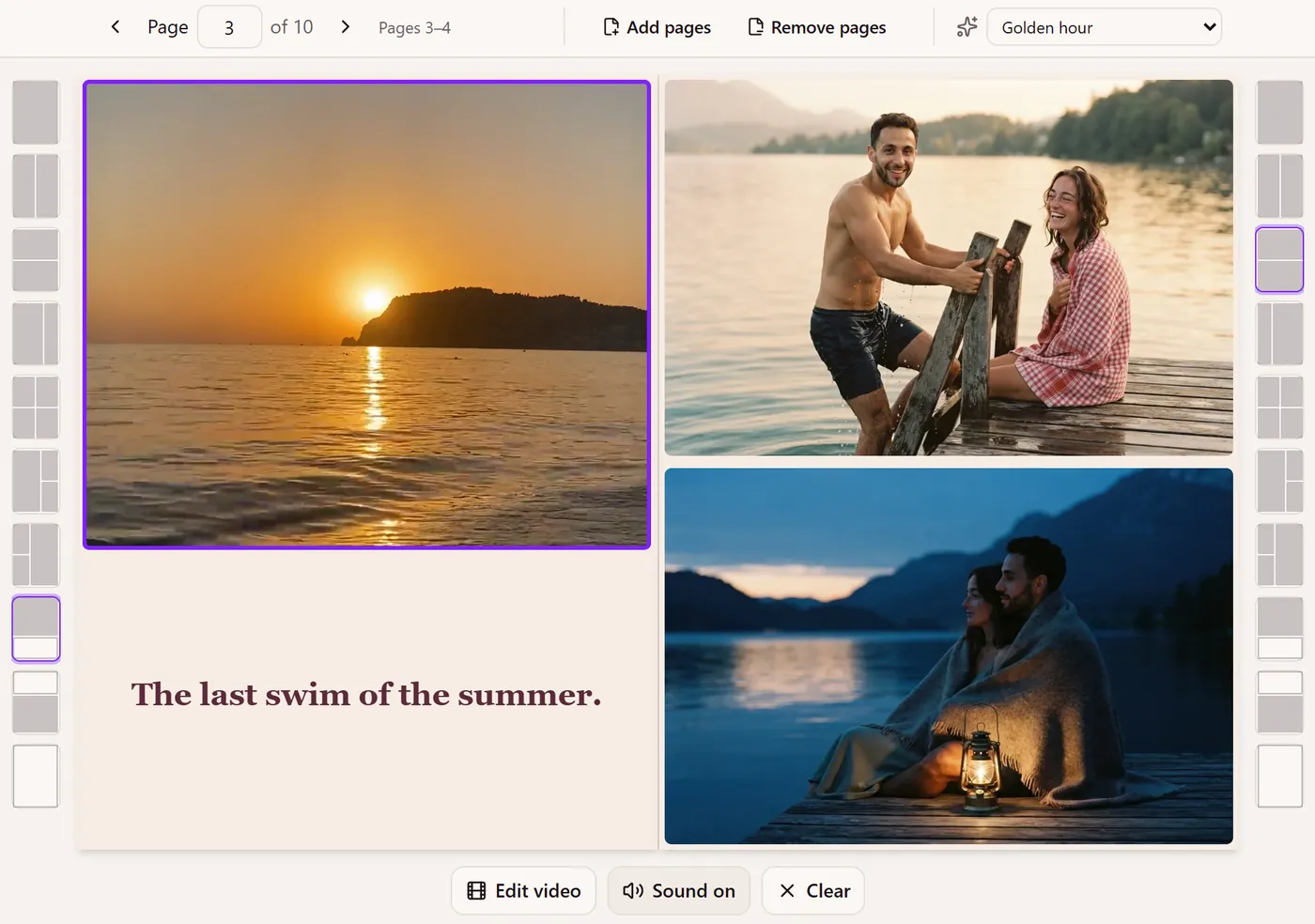
Ideas for videos that work on a page
- Moments that move. A wave breaking, candles being blown out, a first step, a dog running back with the stick. Short clips suit a page best, because they loop.
- A photo and its video. Put the still of a moment next to the few seconds around it, so the page holds both.
- Voices worth keeping. A toast, a song, a child saying a word for the first time. These are the videos to turn the sound on for.
- A scene to match. Give the chapter its own scene, such as golden hour for a summer evening or snow for a winter trip, and the room around the book changes as the page turns into it.
How to make one
- Start without an account. Add up to 10 photos and try layouts first. A book you never save stays in that browser and is deleted after 30 days.
- Save it to an account with Google or a sign-in link sent to your email. Videos can be added once the book is saved.
- Place your videos. Drop each one into a slot, next to the photos it belongs with, and frame the photos around it.
- Choose the sound for each video.
- Share it or print it. Turn on sharing and send the link, or export it for print.
And on paper
Export a PDF of the whole book, mini booklets, or a stapled booklet in A5, A6 or A7 on A4 or US Letter paper. Videos cannot play on paper, so once the book is unlocked, you can put QR codes on its video pages and on the cover. Each one opens the live book, videos and all. See how to add QR code videos to a photo book.
What it costs
Making, editing and previewing are free. Unlocking a book is one payment, and you choose the amount: from $5, with $8 suggested, plus VAT or sales tax where it applies. A free book's link stays open for 10 days after you first share it; an unlocked book's link keeps working as long as the book exists.
Make yours
It is free to make, and you can start without an account. Making it as a gift? See gift ideas by occasion, or how it works as a flipbook maker.