Year in review photo book ideas, with the videos left in
A year in review photo book tells the last twelve months in one sitting: a few of the best photos from each month, a line about what happened, and the small moments you'd otherwise forget by spring. The easiest way to make one is to go through your camera roll month by month, keep five to ten photos from each, and give every month a page or a spread. Make it a digital photo book and the videos you filmed this year can stay in it too, playing on the page next to the photos from the same day.
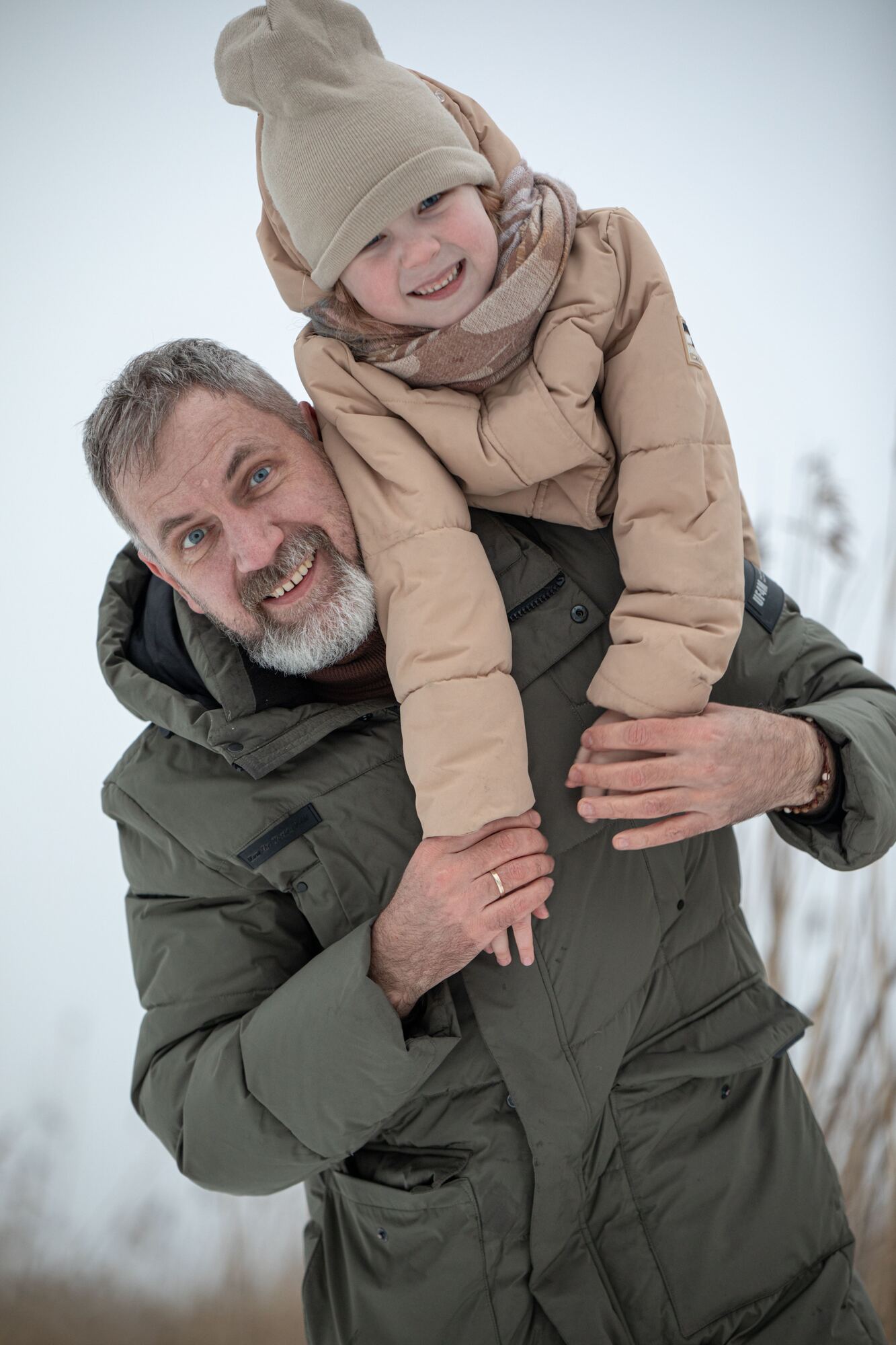 Our yearOpen the book · 11 pages
How to make a year in review photo book, step by step
- Pick who it's for. A book for the whole family, a book for one child, a book for the grandparents and a book for the two of you are four different books. Decide first, because it decides which photos make the cut. If it's a book about a baby's first twelve months, our baby's first year photo book ideas go milestone by milestone.
- Make one folder or album per month. Scroll through your camera roll from January onwards and copy your favourites into twelve albums. Don't judge too hard yet. Just collect.
- Cut each month down. Go back through each album and keep the five to ten photos that tell that month best. Then pick the one or two short videos from the month worth keeping.
- Start the book. In Leafthrough you can start without an account and try layouts with up to 10 photos. When you're ready for the whole year and its videos, save the book to an account with Google or a sign-in link sent to your email.
- Lay out one month at a time. Choose a layout for each page, place the photos and videos, and frame each photo until it sits right.
- Write the dedication and the captions. A first page that says who the book is for, and one short line per month.
- Turn the pages in the preview, then share the book as one link or print it at home.
How many photos per month?
There's no right number, but most good year books land somewhere between these two:
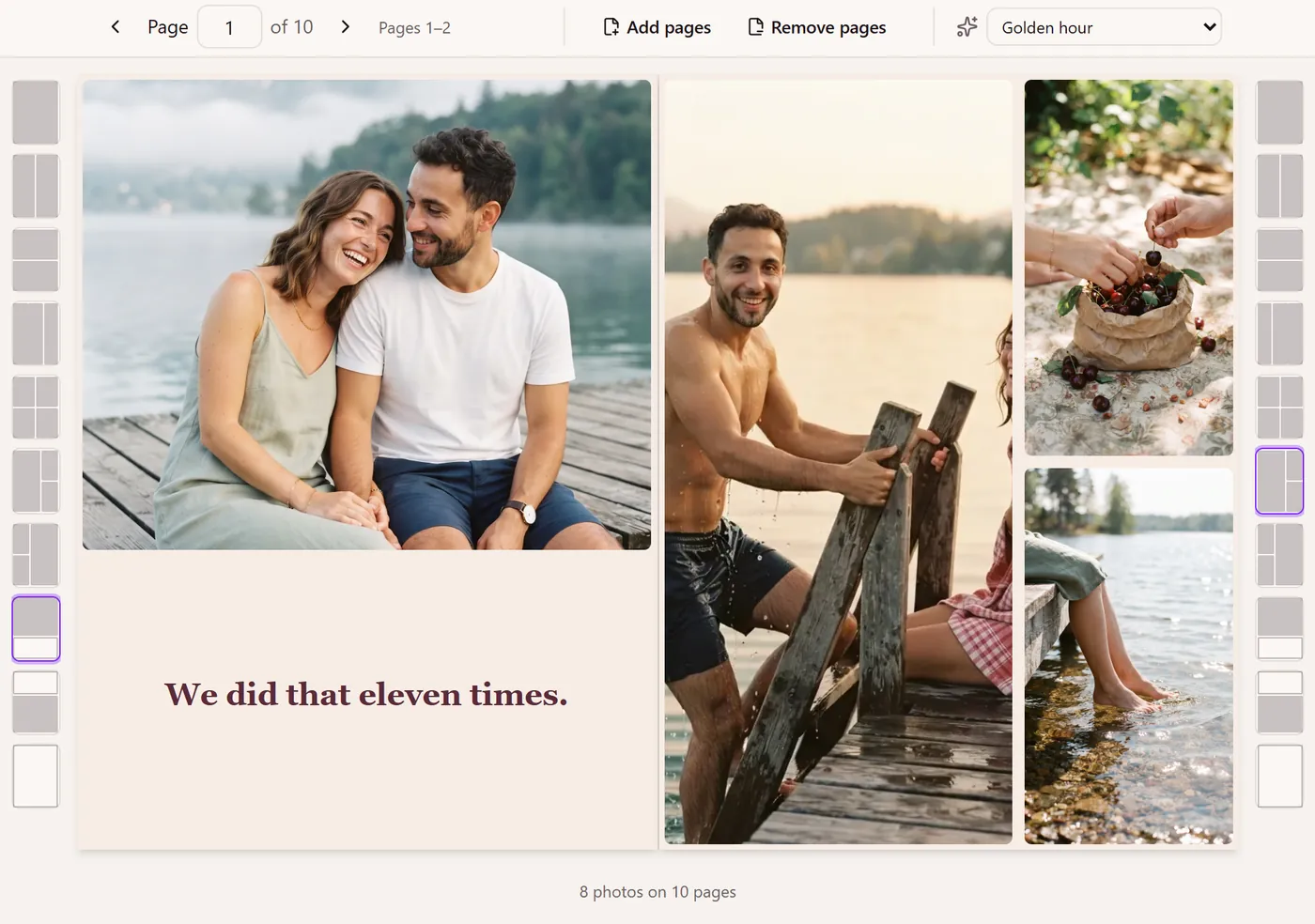
- A highlights book: five to ten photos a month. One spread per month, sixty to a hundred photos in all. This is the book people actually read to the end, and the easiest one to finish before the holidays.
- A full yearbook: twenty or more a month. Several pages per month, closer to a family archive. It's worth it if you make one every year, but it takes evenings, not an afternoon.
Some months will be full and others nearly empty. That's fine. A quiet February can be one photo of the snow outside the window and a sentence about what you remember. One good photo with space around it reads better than a page filled with near-duplicates of the same dinner.
A quick way to choose between similar shots: keep the one where someone's face shows how they felt, not the one where everyone is looking at the camera.
What to put in a year in review photo book
The big moments
The birthdays, the holiday, the move, the new job, the first day of school, the wedding you went to. These are the photos everyone expects, so give each one room. A single big photo on its own page says "this mattered" better than a collage does.
The ordinary weeks
The year is mostly made of the days in between: Saturday pancakes, the walk to school, the dog asleep on the stairs, the kitchen in the middle of a renovation. Ask yourself what you'd miss seeing in ten years. Those small scenes are what the book is really about.
The firsts and the lasts
First steps, first lost tooth, first time on a bike without stabilisers. And the lasts too: the last day in the old flat, the last photo with someone who isn't here any more. A year in review is a good place for both.
Everyone's own page
In a family book, give each person a page that's theirs: the child's football season, the parent who finally ran that race, the grandparent's garden. Let them choose the photo for it if they want to.
Things that aren't photos
Take a picture of the concert tickets, a drawing from the fridge, the school report, the hand-written note from a birthday card, a screenshot of a message that made you laugh. They fill a thin month and bring back details the photos don't.
The bloopers
Close-up of a thumb, the cake that collapsed, the family photo where nobody was ready. A spread of outtakes near the end is often the page people go back to.
A last page for next year
End on the most recent photo you have, or on a single line about what's coming: the trip that's booked, the baby that's due, the thing you've promised to do together.
How to fit a year of videos in a photo book
Your phone probably holds more video of this year than anything else, and a printed year book has nowhere to put it. In a Leafthrough book every frame that takes a photo also takes a video. When a page opens, its videos start playing by themselves, quietly and on a loop, so a short clip looks like a living photo.
Which clips to keep
- The few seconds that matter. Candles being blown out, the jump into the lake, the first wobbly bike ride. A short clip works better on a page than a long one.
- One or two per month at most. A video every few pages gives each one room.
- The voices. A toast, a child singing, a grandparent telling the same joke again. You choose for each video whether it plays with sound, which the reader hears once they switch sound on. Leave sound off for clips where the picture says it all.
Each video can be up to 500 MB. Leafthrough converts it so it plays in every current browser, and short clips keep up to 1080p. A book needs to be saved to an account before you can add videos. There's more on choosing and placing clips in how to add videos to a photo book, and on how video works in a book in our page on photo books with videos.
Ways to organise the year
By month
The simplest structure and the easiest to make: twelve chapters, January to December. It's also the easiest to read, because everyone already knows the order.
By season
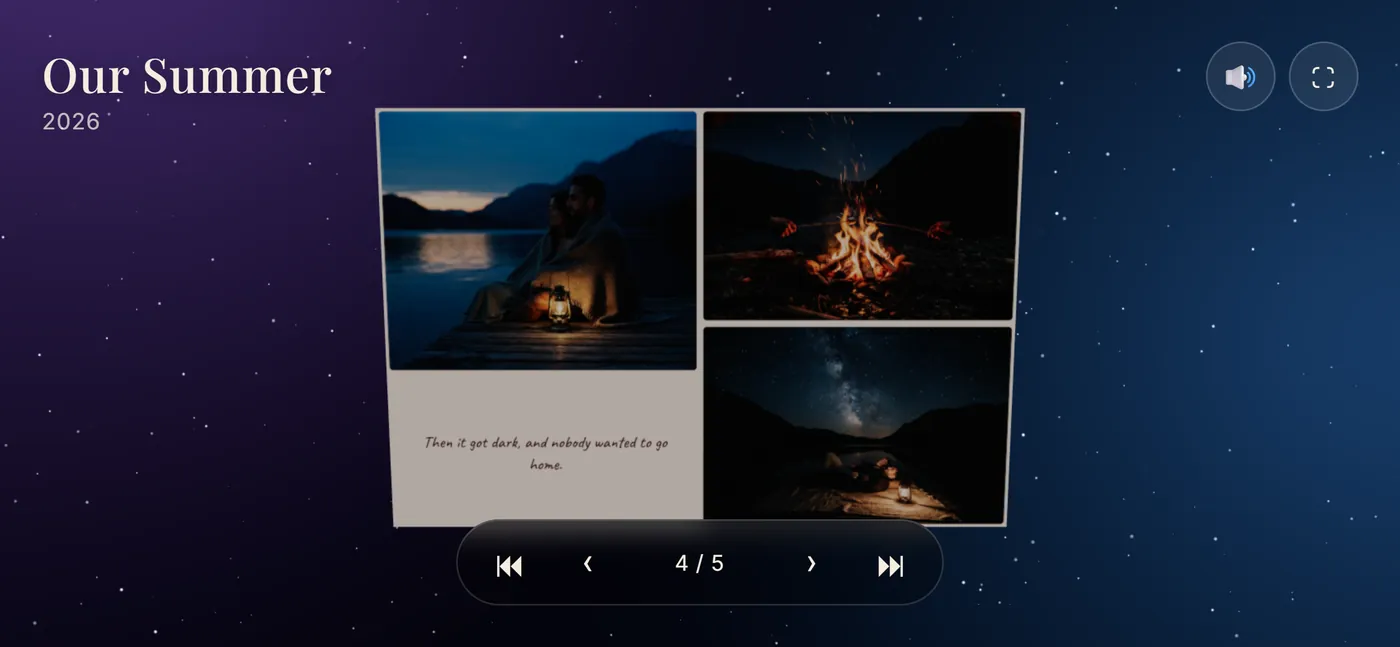
Four chapters instead of twelve, which suits a year where some months had little in them. In Leafthrough each part of a book can have its own scene around it: snow for winter, rain for spring, golden hour for summer, fairy lights for the holidays. As the reader turns into a new season, the room around the book changes with it.
By person or by theme
Trips, home, school, friends, food. Or one chapter per family member. This works well when the year had a few clear threads rather than a steady stream of events.
Giving it as a Christmas or New Year gift
A year in review is a natural present for the end of December, especially for grandparents and family who live far away and missed most of it. If the book is mainly for them, these ideas for a photo book for grandparents help you choose what goes in.
- Send the link. The book opens in any browser, on a phone or a computer, with nothing to install, and nobody needs an account to read it. You can show the link's QR code, too.
- Keep it private. Add a password of 4 to 128 characters if the book is only for the family.
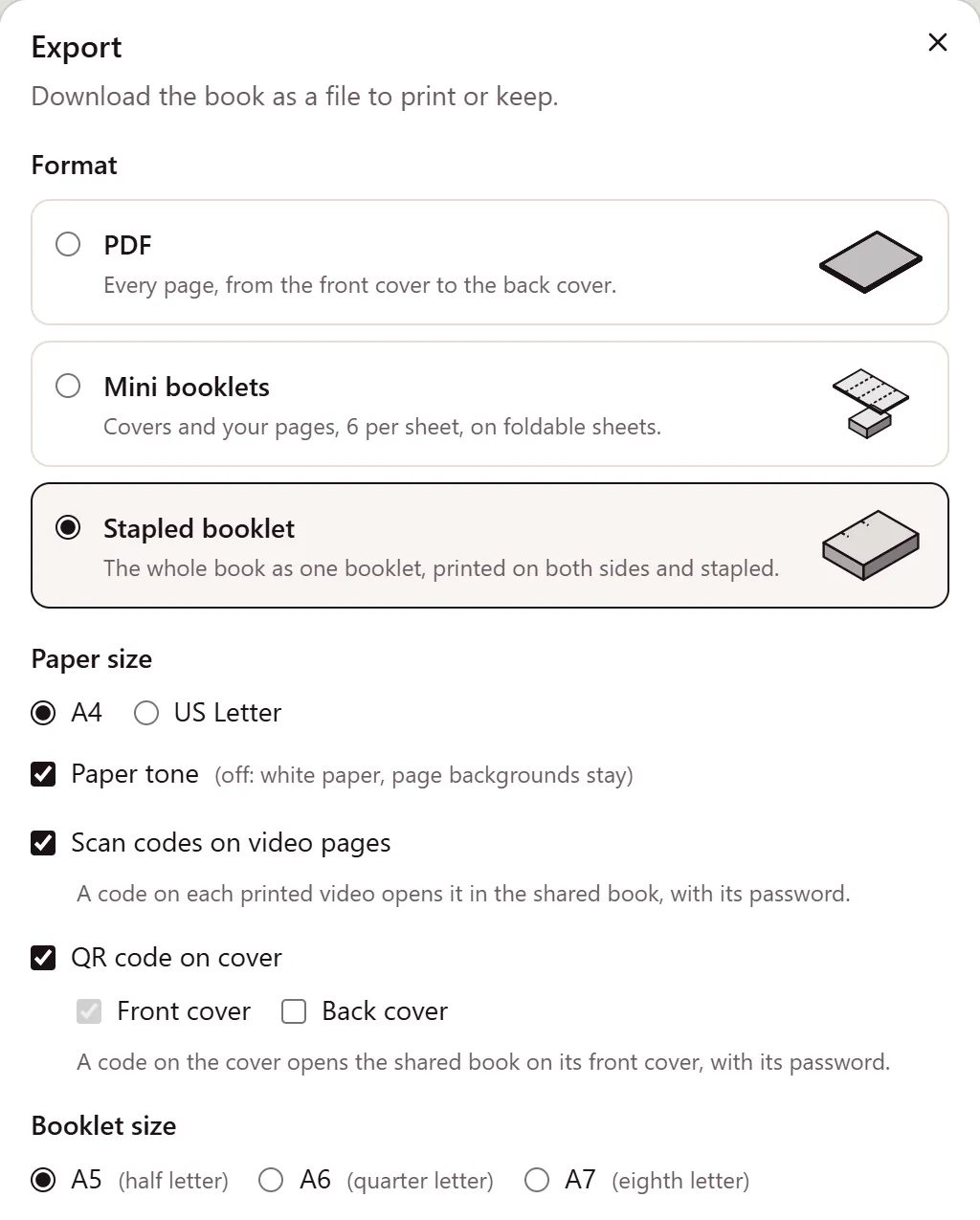
- Print a copy at home. Export it as a PDF, mini booklets or a stapled booklet in A5, A6 or A7 on A4 or US Letter paper, and fold and staple it yourself. Leafthrough doesn't print or post books, so the paper copy comes out of your own printer.
- Lead the paper back to the videos. On an unlocked book, the cover of the booklet can carry a QR code that opens the live book, and video pages can carry codes of their own. Our guide to QR codes in a photo book shows how.
For more presents by occasion, see our photo book gift ideas. If the year was the first one of the two of you, these anniversary photo book ideas work for a year book too.
What it costs
Making, editing and previewing a book is free. Unlocking it is one payment per book, and you choose the amount: from $5, with $8 suggested, plus tax where it applies. A free book's link stays open for 10 days after you first share it, and its exports carry a Leafthrough mark. A year book is one to keep, so unlock it: an unlocked book's link keeps working as long as the book exists, its exports carry no mark, and it can have the QR codes on the cover and the video pages.
Start this year's book
Open a ready-made book, swap in your favourite photo from each month, and see how the year reads before you commit an evening to it. Or go back to the Leafthrough home page to watch a book being read.
More on this: Photo book with videos